


Mattermost GitLab Plugin
Overview
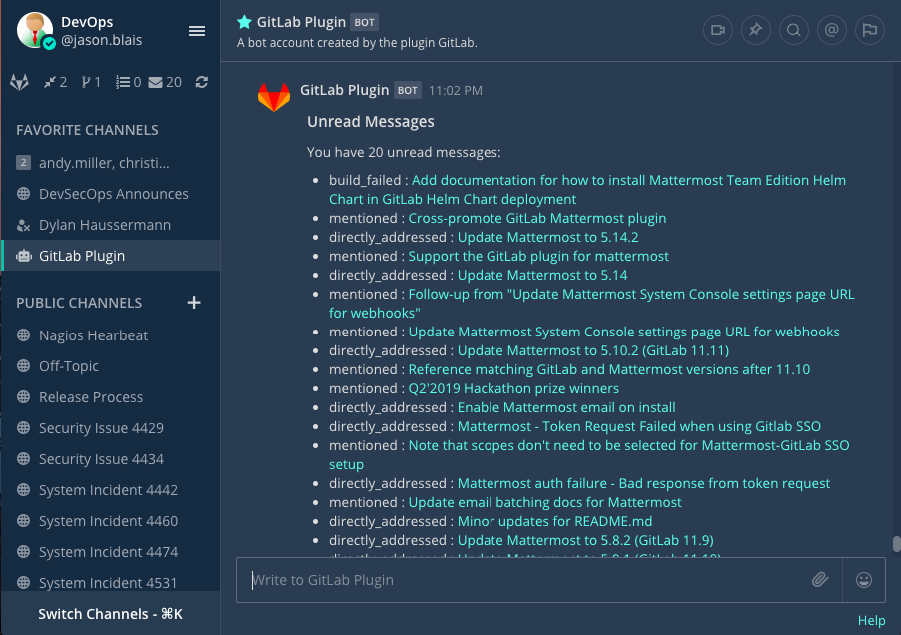
Read this document to understand how the Mattermost GitLab plugin can help your teams stay focused and productive with daily task summaries, real-time updates, and notifications on new and closed merge requests, new and closed issues, and tag creation events.
The GitLab plugin also allows you to control which events trigger notifications beyond default events, including merges, issue comments, merge request comments, pipelines, pull reviews, and many more.
Mattermost supports both SaaS and on-premises versions of GitLab.
Mattermost GitLab plugin video demonstration
Watch this video to learn how to use the GitLab plugin.
Setup
Connect a GitLab account to Mattermost
Follow these steps to connect your GitLab account to Mattermost:
Run the
/gitlab connectslash command in any Mattermost channel to link your Mattermost account with your GitLab account.Disconnect a GitLab account by running the
/gitlab disconnectslash command. Run the/gitlab meslash command to review which account is connected to GitLab.Once connected, run the
/gitlab helpslash command to see what you can do.
Get started
Run the
/gitlab todoslash command to get a list of todos, assigned issues, assigned merge requests, and merge requests awaiting your review. Alternatively, use the options located in the left sidebar.Run the
/gitlab webhookslash command to have GitLab send events to Mattermost.
- Example:
/gitlab webhook add group[/project]
Channel subscriptions
Details
CollabTools offers channel subscriptions through webhooks that we believe offer a richer feature set.
| Command | Purpose |
|---|---|
/gitlab subscriptions list | Review all of your GitLab subscriptions. |
/gitlab subscriptions add group[/project] [features] | Subscribe to a Mattermost channel and receive posts for new merge requests, issues, or other features from a GitLab project. |
/gitlab subscriptions delete group[/project] | Unsubscribe from a GitLab project to stop receiving its posts. |
/gitlab webhook | Create a webhook in a Mattermost channel for a GitLab project so you can watch events sent from GitLab. Example: /gitlab webhook add group[/project] |
Update settings
Run the /gitlab settings [setting] [value] slash command to update your preferences for the integration:
- Turn personal notifications on or off.
- Turn reminders on or off when you connect each day initially.